
Getting started
AxioLabel Studio trial mode
Evaluate the complete label preparation workflow for 30 days before purchasing a Studio license.
Automatic trial license
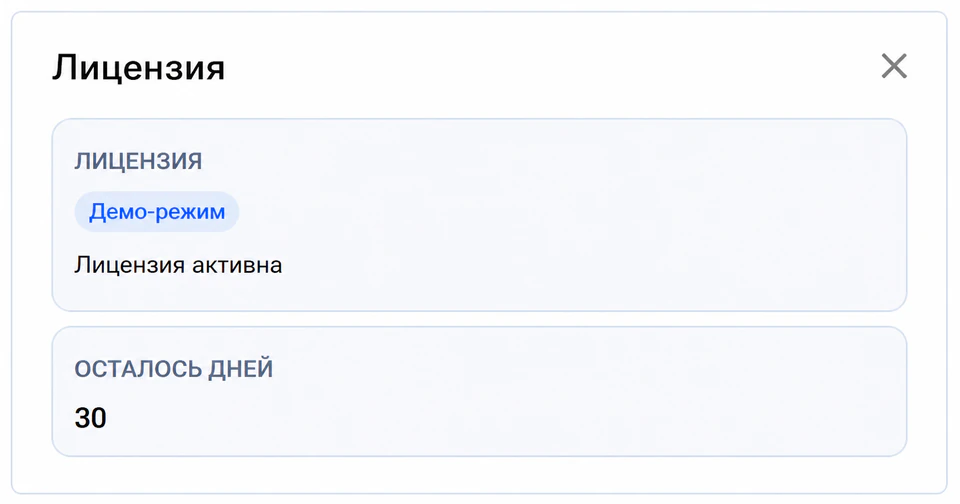
If the computer has no activated license, Studio automatically requests a trial license from the licensing server when it starts and activates it locally.
No website account or registration form is required. An internet connection is needed to obtain the license. The trial period lasts 30 days.
If the server is temporarily unavailable, open Help (Справка) → License (Лицензия) and select Retry request (Повторить запрос) in the Automatic trial license section.
The screenshots below show the Russian interface.
What you can evaluate during the 30 days
Use your own templates and data to test the complete workflow:
- Create and edit label templates.
- Use ready-made samples.
- Open Excel and CSV files.
- Bind data fields to template elements.
- Preview labels with real values.
- Test printing and export.
You can save the templates you create and continue using them after activating a purchased license.
Updates during the trial
Studio cannot check for or install updates in trial mode. The installed program version is used throughout the trial. Updates become available after you purchase and activate a license.
Output limitations
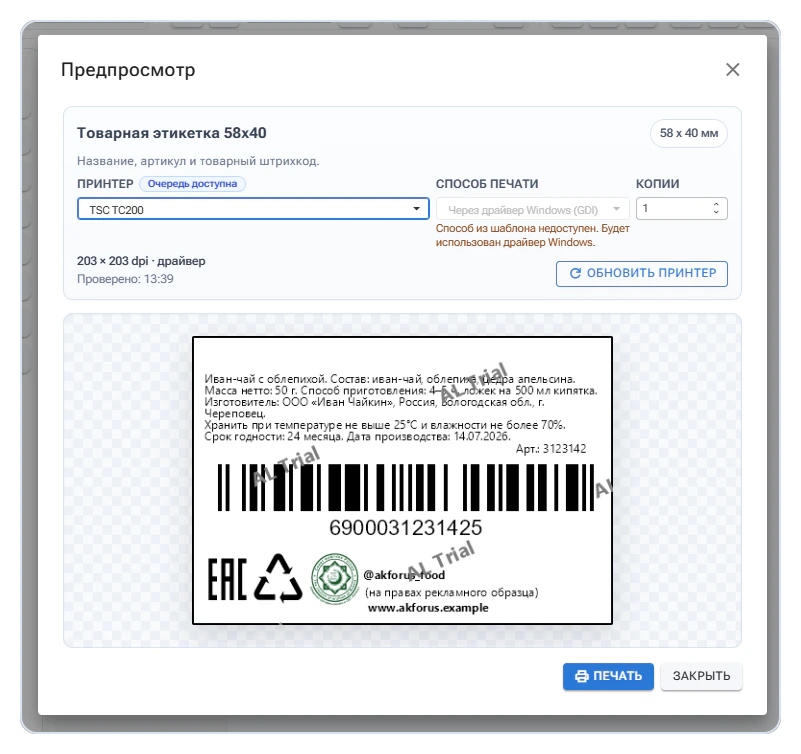
During the active trial, printed and exported results contain a Trial watermark. You can evaluate element placement, data substitution, label dimensions, and your equipment, but trial output is not intended for ongoing production use.
After the trial ends
Printing and export become unavailable after the 30-day period until a valid license is activated. Your templates remain available; you do not need to recreate them after purchasing a license.
To continue working, purchase the right to use Studio and activate the registration key. Follow the Licensing instructions.
Local trial and online demo
These are two different ways to evaluate Studio.
The local trial:
- Runs on your computer.
- Lets you use your own templates and data.
- Lasts 30 days.
- Supports testing printing and export with watermarks.
The online demo:
- Opens without installation.
- Is intended for exploring the interface.
- Does not support printing.
- Adds watermarks to images.
- Clears temporary files once a day.
Use the local trial for a complete evaluation on your own equipment. Get the current installer from Downloads, or open the online demo to explore the interface.